

What's the best CRM for a coach?
For an independent coach, a well-structured Notion workspace covers client records, session notes, tasks and a client portal, with no subscription. Dedicated software becomes worthwhile when you want booking and payments built in.
Coaches spend a surprising amount of time on invisible admin: finding what was said in the last session, resending a document already sent, reminding a client of the exercise they were supposed to do. With five clients, memory is enough. With fifteen, it gives way — and the quality of your coaching suffers.
A coaching CRM doesn't have to be complex software. Above all, it needs to meet two requirements: find everything in thirty seconds before a session, and clearly separate what stays private from what the client sees.
What a coach really needs to track
Five types of information, no more:
- The client record: contact details, start date, package chosen, sessions planned and completed, coaching status.
- Goals: what the client wants to achieve, defined together, and where they stand.
- Session notes: what was said, what emerged, what to pick up next time.
- Tasks between sessions: exercises, reading, actions, with a due date.
- Resources: worksheets, workbooks, audio, reusable from one client to the next.
Everything else (email history, detailed statistics) is secondary. A system that tracks these five things well covers most of your day-to-day work.
Session notes, the heart of the system
The client record rarely changes. Session notes, on the other hand, pile up with every appointment, and they're what you reread before the next one. Using the same structure for every session saves a considerable amount of time:
- Starting point: where the client is when they arrive, what's happened since last time.
- Topics covered: the two or three themes you worked on.
- Insights: what shifted, in the client's own words when possible.
- Commitments: what the client will do before the next session.
- To revisit: what you want to check or explore further next time.
Private notes versus a shared client portal
This is the most important question, and the one makeshift tools handle worst. Two spaces coexist:
| Coach's private space | Portal shared with the client |
|---|---|
| Detailed session notes | A short summary, if you choose to share one |
| Working hypotheses, observations | Goals defined together |
| Admin and billing information | Tasks and exercises to do |
| Complete history | Useful resources and documents |
The portal cuts out back-and-forth emails: the client finds their exercises, their documents and the date of the next session. They arrive prepared. But it must never give access, even by mistake, to your internal notes.
The practical rule: the portal is a separate page that only shows items filtered for that client. You share that page, and only that page.
Building your coaching CRM in Notion
Notion suits this well because it combines linked databases with shareable pages. The minimum structure:
- A Clients database, linked to all the others.
- A Sessions database, with a page template that follows the note structure above.
- A Tasks database, with client, due date and status.
- A Resources database, linked to the clients each resource was shared with.
- A client portal template: a page that uses filtered views to show one client's tasks, goals and resources.
For a new client, you duplicate the portal template, connect it to their record and share the link. Your clients don't need a paid plan to view a shared page.
Be careful with sharing: sharing a page grants access to its sub-pages. Check what a client actually sees, using a test account, before sending the first link.
Notion or dedicated coaching software?
Both approaches have real advantages. The right choice depends on your volume and how much integration you need.
| Criterion | Notion | Dedicated software |
|---|---|---|
| Cost | Free plan is enough for individual use | Usually a monthly subscription |
| Flexibility | Fully customisable structure | Fixed structure, often well designed |
| Booking and payments | Handled with an external tool | Often built in |
| Setup | Build it yourself, or start from a template | Ready to use |
| Client portal | Shared pages | Native client area |
For an independent coach starting out or working with a few dozen clients, Notion plus a booking tool covers the essentials with no extra subscription. Beyond that, or if built-in billing and scheduling save you a lot of time, dedicated software is worth it.
Client data and privacy laws
Coaching notes can contain sensitive information (health, personal life). Whatever tool you use, under data protection laws such as the GDPR you are responsible for limiting what you record, securing access and telling clients how their data is used.
What a CRM won't do for you
A CRM organises clients you already have. It doesn't fill an empty calendar. If your current problem is finding your first clients rather than managing them, start there, and set up the tool once the volume calls for it.
And if you also freelance, the same linked-database logic is covered in our guide to running a freelance business in Notion.
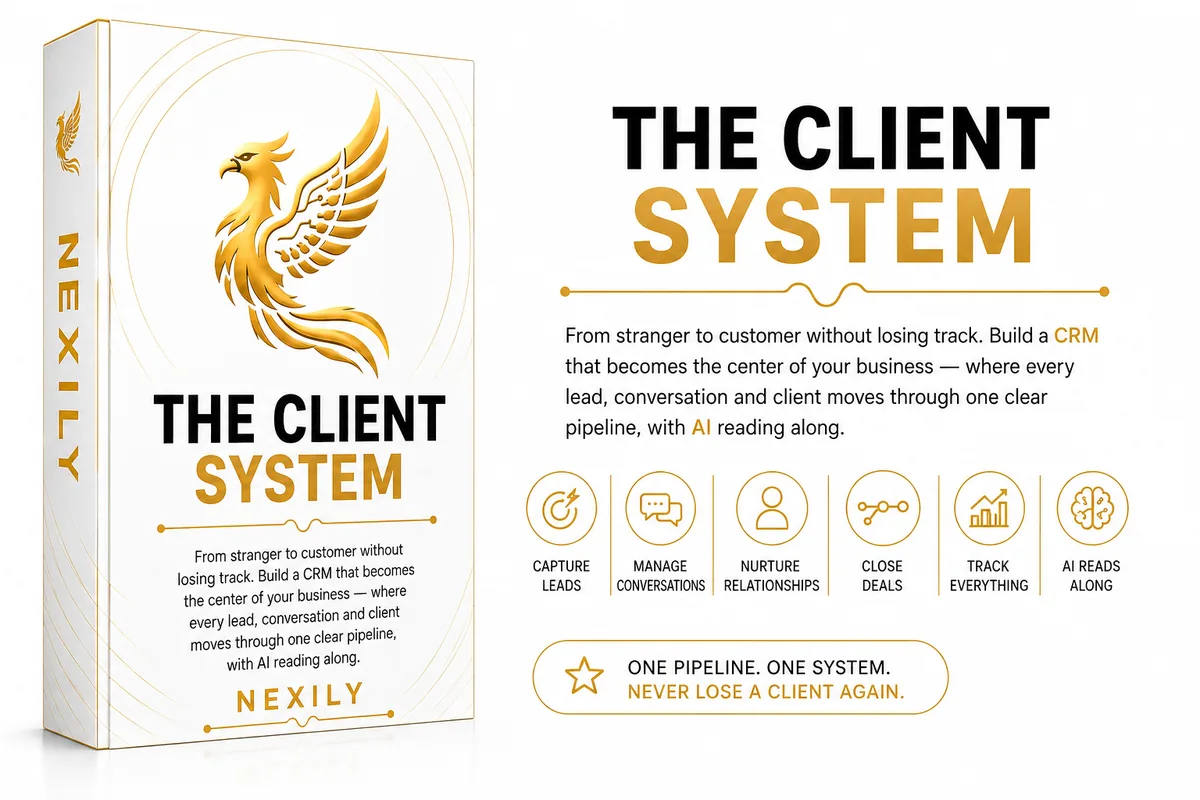
From stranger to customer without losing track: a CRM that becomes the center of your business, where every lead, conversation and client moves through one clear pipeline.
Discover The Client System