
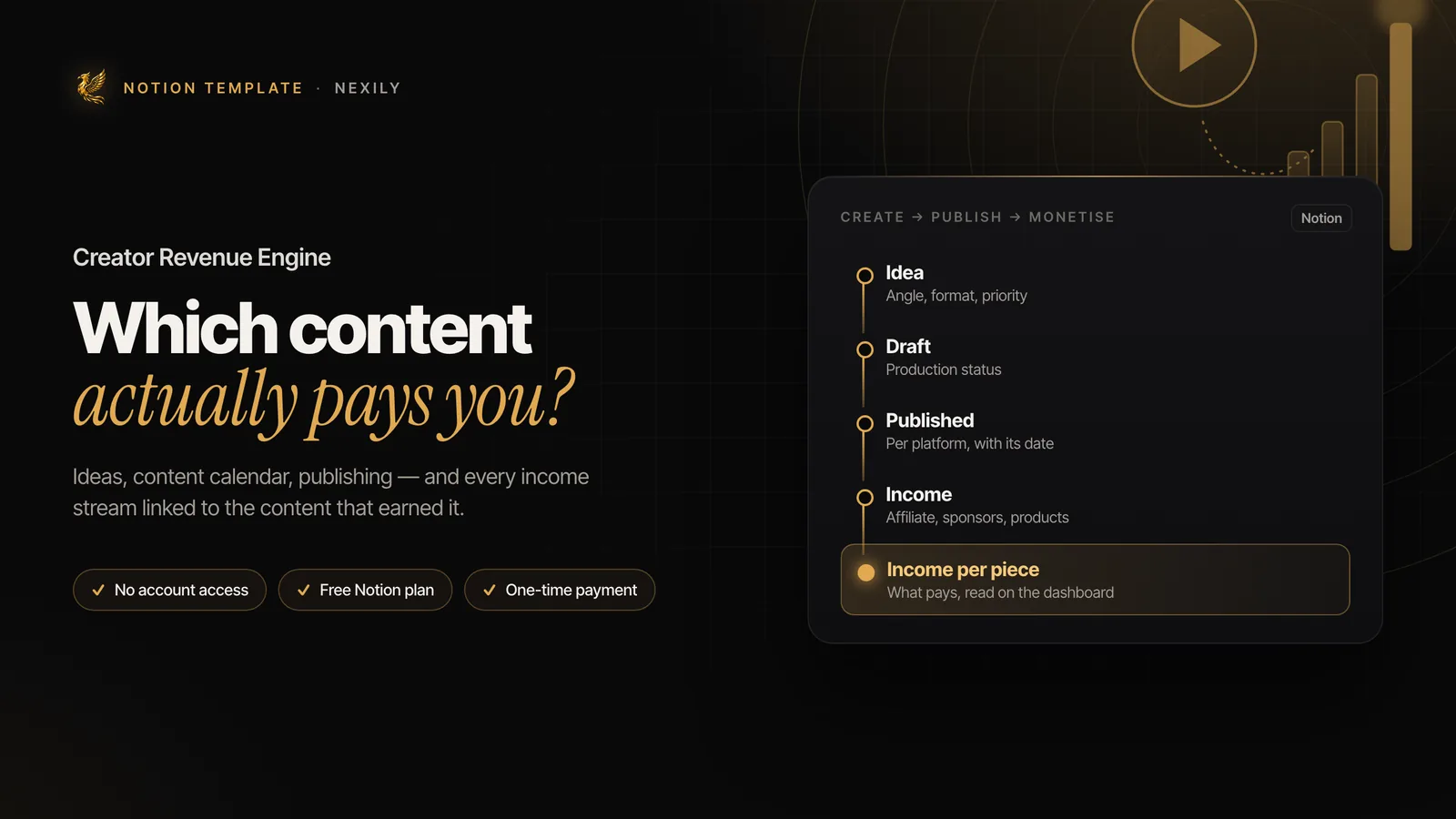

How do I make a content calendar in Notion?
Create a Content database with Status, Format, Platform and Publication date properties, then add a Calendar view on the date. A Board view grouped by status serves as your production pipeline.
Most content calendars answer a single question: what am I publishing on Tuesday? That's useful, but it leaves out the question that matters after a year: which pieces of content actually made me money?
A creator who doesn't connect their posts to their income picks topics on gut feeling, or by views — and views don't pay the bills. Here's how to build a content calendar in Notion that does both: organises production and shows what pays.
The problem with a calendar that only schedules
A classic content calendar is a list of dates and titles. It helps you keep a publishing rhythm, which is already a lot. But it stops at the moment of publication — exactly where the useful information begins.
A creator's income comes through several doors: an affiliate commission three weeks after a video, a sponsorship landed thanks to a series of articles, a product sale triggered by a newsletter. If that income lives in a separate spreadsheet, nobody ever makes the connection. You keep producing the formats that get views without knowing whether they're the ones that pay.
The three databases to build
In Notion, everything rests on linked databases. Three are enough to start:
- Content: one row per piece of content, with its status, platform, format and publication date.
- Income: one row per payment received, with the amount, date, source and a relation to the related content.
- Sources: one row per income source (an affiliate programme, a sponsor, a product, a subscription).
Your idea bank can simply be a filtered view of the Content database, on the “Idea” status. No need for a fourth database until the volume calls for it.
The pipeline: idea, draft, published
The Status property in the Content database moves each piece through a simple pipeline:
| Status | What it means | Useful view |
|---|---|---|
| Idea | A topic noted down, not worked on yet | List sorted by priority |
| Draft | Script, outline or text in progress | Board (kanban) |
| Ready | Finished, waiting for its date | Calendar |
| Published | Live, with its link | List by date, with income |
The calendar view, filtered on “Ready” and “Published”, becomes your content calendar. The board view shows what's stuck. Both read the same database: nothing is entered twice.
Add a Format property (long video, short video, article, newsletter, post) and a Platform property. They're what will make income analysis possible later.
Tracking creator income by source
A content creator's income falls into four families, and each is tracked differently:
- Affiliate: commissions paid by a programme. They arrive with a delay and are often grouped by month.
- Sponsors: a negotiated fee for a specific piece of content. It's the easiest source to attribute.
- Products: a course, template or e-book. A sale can come from any piece of content.
- Subscriptions: recurring support or a paid newsletter. The income is steady but rarely tied to a single piece.
Log each payment in the Income database with its source. A few minutes of weekly data entry is enough. Amounts are copied from the platforms' dashboards: no technical integration needed.
Linking income to a piece of content
This is the step that gives the system its value, and the trickiest one. Not everything can be attributed with the same precision:
- Sponsors: direct attribution — the contract covers a specific piece of content.
- Affiliate: use a different link or tracking ID per piece of content when the programme allows it. The commission then links to the right piece.
- Products: a discount code or tracked link unique to each piece gives a reasonable attribution. Without one, file the sale under “Unattributed” rather than guessing.
- Subscriptions: keep them as overall income, unless the platform tells you where each subscriber came from.
In the Content database, a rollup property adds up the linked income. Each piece then shows its total, and you can sort the list by what it earns.
The dashboard to check every month
One summary page, checked once a month, with four views:
- This month's income by source, to see what you depend on.
- The ten highest-earning pieces of content, all time.
- Income by format, to learn whether long videos earn more than short ones.
- Actual cadence: pieces published this month versus your goal.
After three to six months, this dashboard changes how you choose topics. You stop wondering what might work: you look at what did.
The mistakes that make people abandon the system
- Building too many properties from the start. Begin with status, format, platform and date. Add the rest when the need arises.
- Trying to automate everything. Platform integrations are fragile; weekly manual entry is more reliable.
- Never opening the dashboard. Without a fixed monthly check-in, the data piles up without being used.
- Keeping production and income in two separate tools. That's exactly the original problem.
The same linked-database principle applies to a freelance business: see how to run a freelance business in Notion.
The complete system to create, publish and monetise your content — and finally know what actually makes you money.
Discover Creator Revenue Engine